
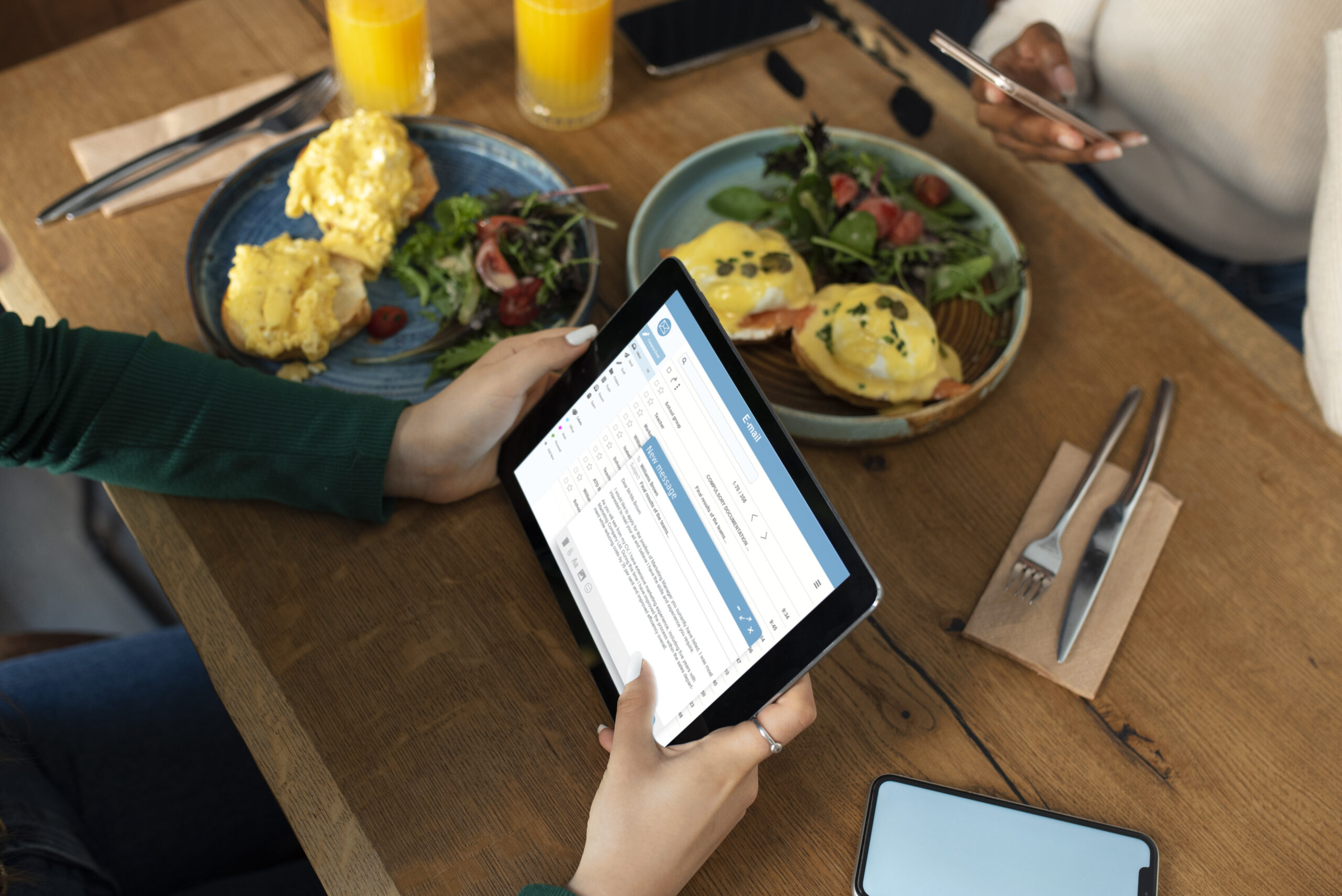
Restaurant chains in Saudi Arabia face unique operational challenges: multiple branches, compliance standards, and staffing variability. Checklist software streamlines operations, ensures consistency, and supports regulatory compliance. This article examines the best restaurant checklist software for Saudi businesses. It includes detailed steps, real-world data, and verified examples tailored specifically for your region.
1. Why Saudi Arabia Needs Digital Checklist Tools
The Saudi restaurant management software market earned USD 148.5 million in 2024, and it’s projected to hit USD 429.1 million by 2030—a 19.9% CAGR Grand View Research.
Saudi Arabia accounts for 2.6% of global restaurant software demand, making it one of the fastest-growing MENA markets.
Therefore, implementing efficient, scalable checklist systems is timely and vital.
2. What Makes Checklist Software Essential for Restaurants
Digital checklists reduce reliance on paper, ensure task completion, and automate reminders. They deliver audit-ready records, unify operational standards, and allow mobile access.
Additionally, they integrate with POS inventories, temperature logs, and compliance tracking—for example for HACCP or municipal health code enforcement.
3. Leading Software Tools for KSA Restaurants
Modeeri — Egypt-MENA Based Pioneer
Modeeri, tailored for Arabic-speaking operators, offers mobile access, offline mode, training modules, temperature checks, and digital audit trails. It’s especially relevant for Saudi restaurants seeking regional support modeeri
Foodics
A homegrown Saudi POS and checklist-capable platform with real-time inventory, analytics, staff modules, and integration options Servme. Trusted by over 30,000 restaurants, it supports Arabic, English, and French.
MaherChef
A locally built POS ecosystem offering billing, inventory, staff management, reservation systems, and unified dashboards almaher.io.
Market Alternatives (Foodics, Aloha, PosBytz)
Platforms like PosBytz (free cloud POS with table and inventory functions) and global POS tools (Aloha, TouchBistro) each provide strong checklist adjunct features posbytz.
4. Key Benefits of Checklist Software for Saudi Restaurants
-
Standardized Operations: Ensures all branches follow the same procedures.
-
Faster Audits: Digital logs with photos satisfy regulatory checks quickly.
-
Enhanced Accountability: Staff accountability low drops with timestamps.
-
Efficiency Boost: More time serving guests; less time on paperwork.
-
Scalable Growth: Central updates reach all branches simultaneously.
For example, Foodics users enjoy unified inventory and workflow management across outlets Servme.
5. Step-by-Step Implementation Guide
Step 1: Clearly Map Your Workflows
Identify tasks like opening checklists, shift handovers, food safety, temperature logs, and cleaning routines.
Step 2: Define Essential Features
Prioritize offline access, Arabic interface, mobile app, photo capture, reminders, dashboards, and POS integration.
Step 3: Evaluate Suitable Platforms
Shortlist tools like Modeeri or Foodics. Prioritize local support and Arabic UX.
Step 4: Run Pilot Tests
Deploy software in one branch. Compare it to paper logs in terms of accuracy, speed, and team feedback.
Step 5: Monitor Key Metrics
Track compliance rates, audit errors, time saved, staff productivity, and guest satisfaction.
Step 6: Scale Gradually
Roll out regionally in phases. Train staff and collect feedback for continuous improvements.
Step 7: Optimize Workflows
Use analytics dashboards to adjust checklist steps and refine SOPs based on performance gaps.
6. Real-World Use Cases in Saudi Arabia
-
Foodics streamlines front-of-house and inventory tasks across thousands of KSA restaurants with unified dashboard analytics Servme.
-
MaherChef supports restaurant billing, HR, reservations, and compliance, helping operators manage chaos through a singular interface almaher.io.
While Saudi businesses using Modeeri have not yet been publicly cited, Modeeri’s successful implementations in Egypt indicate cross-border viability and impact.
7. Comparison Table
| Feature | Paper Process | Digital Checklist Software |
|---|---|---|
| Task Consistency | Variable across shifts | Enforced templates ensure consistency |
| Audit Readiness | Manual logs, paper chaos | Digital logs with timestamps and photos |
| Accountability | Signature-based, prone to errors | User-linked entries with full traceability |
| Manager Oversight | Log collection delays | Live dashboards enhance immediate management |
| Efficiency & Time Saving | Inefficient, repetitive | Automated reminders reduce hassle |
| Scalability | Manual updates per branch | Centralized updates deploy instantly |
| Cost | Paper + admin overhead | Subscription, but reduces long-term inefficiency |
| Analytics | Manual collation | Data visualizations for quick performance review |
8. Pitfalls to Avoid
-
Poor connectivity? Ensure software supports full offline capabilities.
-
Inadequate training? Host sessions to ensure staff adoption.
-
Over-complex checklists? Keep items simple and task-focused.
-
No feedback loop? Encourage staff to suggest improvements continuously.
9. Emerging Tech Trends
-
IoT Integration: Fridge temperature sensors and kitchen devices feed data directly into checklists.
-
AI Insights: Software may soon predict operational gaps or schedule maintenance automatically.
-
Unified Operations Tech: Checklist tools are integrating with POS, inventory, HR, and loyalty systems for seamless workflow.
These developments align with Vision 2030’s digital transformation goals, including IoT adoption in the food sector P&S Intelligence.
How Modeeri Helps Your Team Perform at Its Best
Managing staff across multiple locations can be challenging, but software solutions like Modeeri make it seamless. Designed by experienced operators, Modeeri is the ultimate tool to streamline operations and ensure consistency across your entire chain.
With robust features such as checklist management, temperature monitoring, organized document storage, automated training programs, and label management, Modeeri empowers your team to maintain top performance, even when you’re not onsite.
Tailored for multi-location businesses with deskless teams, Modeeri simplifies onboarding, enhances compliance, and ensures every location operates to your high standards. Learn more or try Modeeri for free today!
Image by Freepik